

 3 weeks ago
46
3 weeks ago
46
PROTECT YOURSELF with Orgo-Life® QUANTUM TECHNOLOGY
Orgo-Life the new way to the future Advertising by AdpathwayMy week is split between two jobs. I am the acting editor at Editorialge and a technical advisor at ImagineLab Art. Both teams lose hours to the same small tasks: copying briefs, chasing updates, moving files, and waiting on approvals. So I tested the best no-code tools for small business automation to cut that waste for everyone on both teams.
You can open Table of Contents show
Each tool below is one I would hand to a writer or designer who has never written code. I checked every price on official pricing pages in October 2026. For free-only options, see how to automate small business tasks with free SaaS tools.
My best pick suggestion: Start with Zapier for the widest app support, make for lower costs, or use n8n for full control. Then pair it with one workspace tool such as Airtable, Notion, or ClickUp.
Quick Comparison of No-Code Tools for Small Business Automation
| Zapier | Linking many apps fast | Yes, 100 tasks/month | $19.99/month (yearly) |
| Make | Complex flows on a budget | Yes, 1,000 credits/month | $12/month |
| n8n | Full control, long workflows | Free self-hosted edition | €20/month (yearly) |
|
Activepieces |
Low-cost approval flows |
Yes, 1,000 credits/month |
$20/month |
| Gumloop | AI research and drafting | No, 14-day trial | $37/month |
| Airtable | Content databases | Yes, 1,000 records/base | $20/seat/month (yearly) |
| Notion | Docs plus light automation | Yes, buttons only | $10/seat/month (yearly) |
| ClickUp | Tasks and projects | Yes, 100 runs/month. | $7/user/month (yearly) |
| Tally | Forms that start workflows | Yes, unlimited forms | $24/month |
| Softr | Team and client portals | Yes, 10 users | $49/month (yearly) |
How I Picked These No-Code Tools for Small Business Automation
Every tool had to pass three tests. A non-technical teammate can build a basic workflow in one sitting. It has a free plan or a low entry price. It stays affordable for a team of 5 to 25 people. I skipped tools built mainly for large companies. If that is you, read our take on no-code for enterprise.
The 10 Best No-Code Tools for Small Business Automation
1. Zapier: The Easiest Start Among No-Code Tools for Small Business Automation
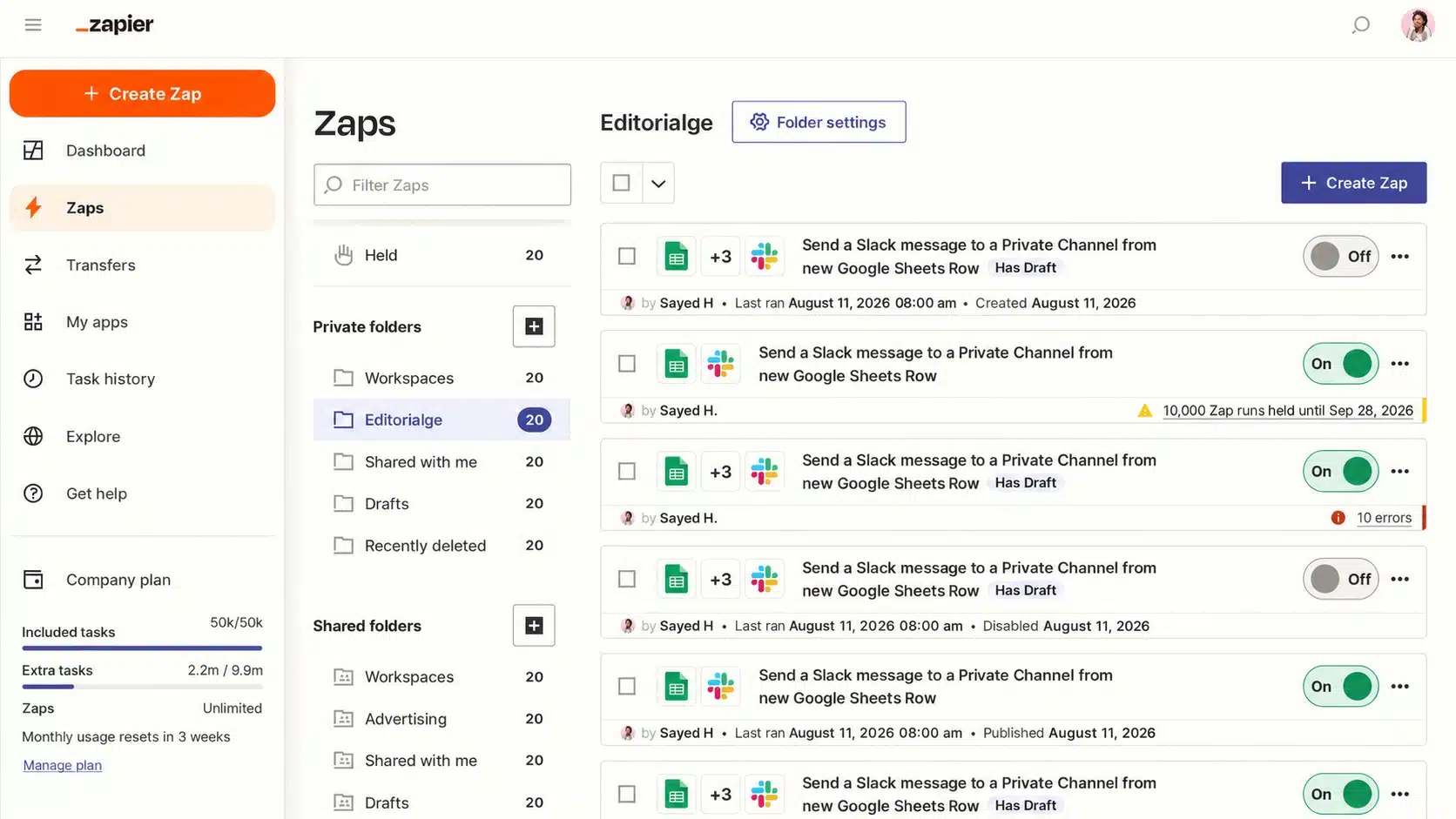
Zapier links more than 9,000 apps with simple trigger and action steps. At Editorialge, a Zap sends each new brief from our sheet to the right writer in Slack.
Price: Free gives 100 tasks a month and two-step Zaps. Professional starts at $19.99/month and Team at $69/month, both billed yearly. The team adds 25 users and shared Zaps.
Pros:
- Largest app library on the market
- Copilot builds Zaps from plain English
Cons:
- Costs climb fast as task volume grows
- The free plan allows only two-step Zaps
Best for: Teams that use many apps and want the fastest setup.
2. Make: The Best Value in No-Code Tools for Small Business Automation
Make uses a visual canvas where you drag and connect modules. At ImagineLab Art, I use it for flows with many branches, such as routing design requests by type.
Price: Free gives 1,000 credits a month. Core starts at $12/month for 10,000 credits, Pro at $21, and Teams at $38. Yearly billing saves 15% or more.
Pros:
- Lower cost per action than Zapier
- Router steps use no credits
Cons:
- Steeper learning curve
- Team roles need the Teams plan
Best for: Budget-aware teams with branching workflows.
3. n8n: The Most Flexible of the No-Code Tools for Small Business Automation
n8n bills each full workflow run, not each step, so a 20-step flow counts once. That makes it my pick for long AI content pipelines. It also accepts code, which places it between no-code and low-code.
Price: The Community Edition is free to self-host. Cloud Starter is €20/month for 2,500 executions and Pro is €50/month for 10,000, both billed yearly. All plans include unlimited users.
Pros:
- Pay per run, not per step
- Unlimited users and workflows
Cons:
- Self-hosting needs server skills
- Lower plans get forum support only
Best for: Teams with one tech-savvy member who wants control.
4. Activepieces: The Open-Source Pick in No-Code Tools for Small Business Automation
Activepieces is an open-source rival to Zapier with a clean, simple builder. Its human-in-the-loop steps pause a flow until someone approves it. Our editors use this to sign off on AI-drafted outlines before they move on.
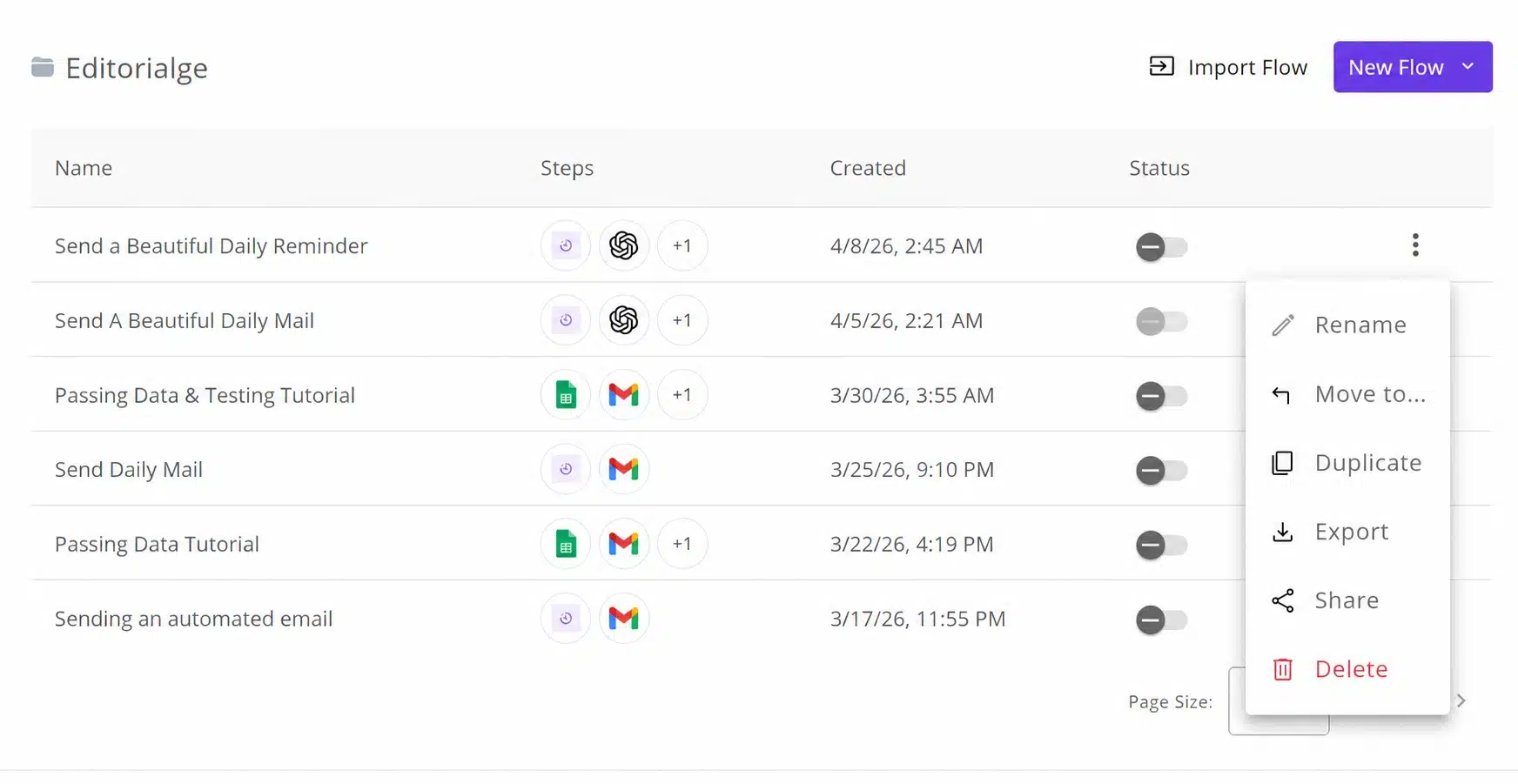
Price: Free gives 1,000 credits a month for one user. Plus is $20/month for 10,000 credits and up to 5 users. Team is $200/month for 50,000 credits and 25 users. The Community Edition is free to self-host.
Pros:
- Free self-hosted Community Edition
- Human approval steps built in
Cons:
- Fewer integrations than Zapier
- Big price jump from Plus to Team
Best for: Small teams that want approval steps at a low cost.
5. Gumloop: The AI-First Choice Among No-Code Tools for Small Business Automation
Gumloop builds AI agents that read data, call AI models, and act inside your tools. I use it to summarize competitor pages before a writer starts a brief.
Price: No free plan, but a 14-day trial. Pro starts at $37/month with 20,000 credits and unlimited seats.
Pros:
- 35+ AI models in one place
- Unlimited seats on Pro
Cons:
- No free tier after the trial
- Credit use is hard to predict with heavy AI tasks
Best for: Content teams that want AI to handle research.
6. Airtable: The Best Database Among No-Code Tools for Small Business Automation
Airtable looks like a spreadsheet but works like a database. Our content calendar lives here. When a writer marks a post “Ready,” an automation alerts the editor.
Price: Free gives 1,000 records per base and up to 5 editors. Team is $20 per seat/month yearly ($24 monthly). Business is $45 yearly ($54 monthly).
Pros:
- Many views of the same data
- AI credits on every plan
Cons:
- Per-seat pricing adds up
- Tight record limit on Free
Best for: Teams managing content calendars or asset lists.
7. Notion: The All-in-One Workspace in No-Code Tools for Small Business Automation
Notion holds our docs, wikis, and briefs. Its database automations create pages and set status or owners when something changes.
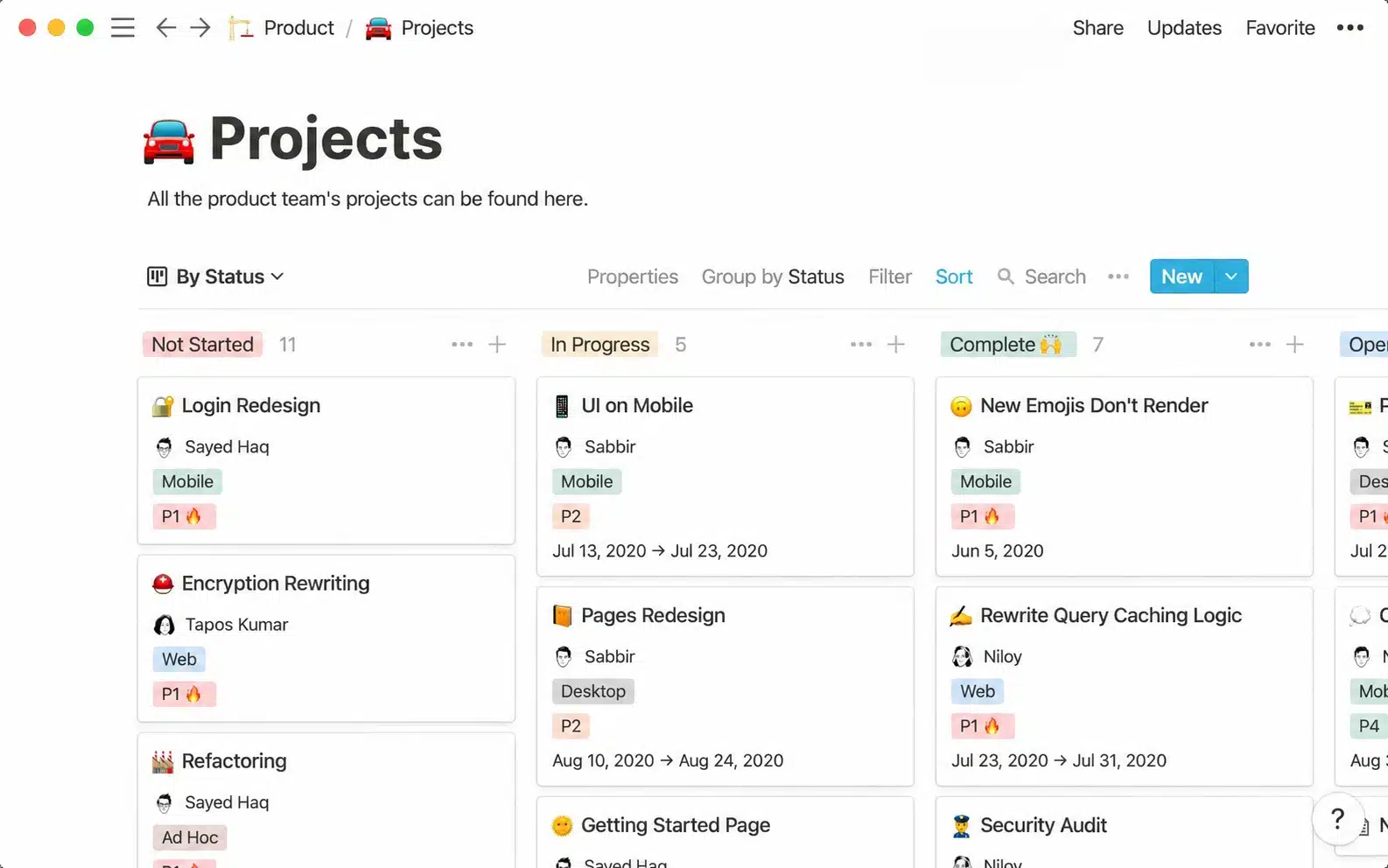
Price: Free includes button automations only. Plus is $10 per member/month yearly and adds database automations. Business is $20 yearly and adds Notion Agent and AI Meeting Notes.
Pros:
- Docs, wiki, and tasks in one tool
- Strong built-in AI on Business
Cons:
- Basic automation next to Zapier or Make
- Full AI needs business
Best for: Teams that want one home for docs and light workflows.
8. ClickUp: The Project Manager’s Pick in No-Code Tools for Small Business Automation
ClickUp runs tasks, docs, and chat in one app. At ImagineLab Art, new design tickets go to the right designer based on a tag.
Price: Free Forever includes 100 automation runs a month. Unlimited is $7/user/month yearly ($10 monthly) with 1,000 runs. Business is $12 yearly ($19 monthly) with 5,000 runs and webhooks. Brain AI adds $9/user/month.
Pros:
- Cheap unlimited plan
- Webhooks and email actions on business
Cons:
- Busy interface for new users
- AI costs extra
Best for: Teams that want tasks and automation in one place.
9. Tally: The Smart Intake Tool in No-Code Tools for Small Business Automation
Most workflows start with a form. Our content request and guest post forms feed into Notion and Airtable, which starts the rest of the flow.
Price: Free includes unlimited forms, submissions, and webhooks, plus Zapier, Make, Notion, and Airtable integrations. Pro starts at $24/month and Business at $74/month.
Pros:
- Very generous free plan
- Free conditional logic and file uploads
Cons:
- Branding removal needs Pro
- Collects data only; another tool must act on it
Best for: Teams that collect requests, briefs, or leads.
10. Softr: The Portal Builder in No-Code Tools for Small Business Automation
Softr turns your data into simple apps and portals with built-in workflows. It suits a writer portal where each writer sees only their own briefs. For more builders, see these no-code platforms to launch your startup.
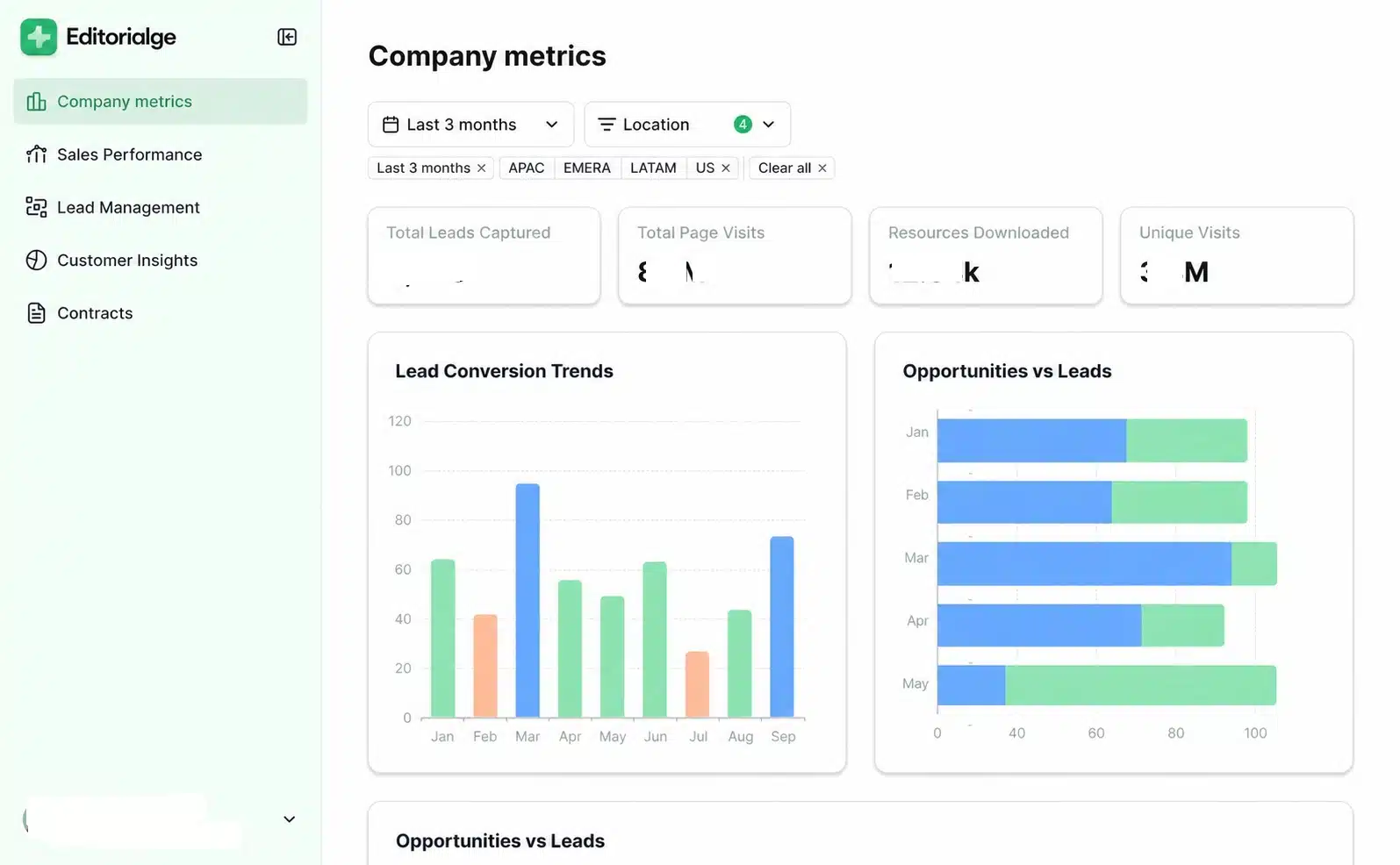
Price: Free allows 10 app users. Basic is $49/month yearly ($59 monthly) with 20 users. Professional is $139/month yearly ($167 monthly) with 100 users. These figures come from mid-2026 checks by Jetadmin and Hackceleration, so confirm before you buy.
Pros:
- Logins and permissions built in
- Works on Airtable or its own database
Cons:
- Big price jump from Basic to Professional
- Free caps records at 1,000 per app
Best for: Teams that need a staff or client portal without a developer.
How to Choose the Right No-Code Tools for Small Business Automation
Start with your biggest time drain, not the tool. Most small teams need one connector (Zapier, Make, or n8n) plus one workspace (Airtable, Notion, or ClickUp). Add Relay.app for approvals, Gumloop for AI research, Tally for intake, and Softr for portals. For email and social campaigns, compare these with dedicated marketing automation tools.
FAQs About No-Code Tools for Small Business Automation
What is the cheapest no-code automation tool?
n8n is free if you self-host it. Among hosted tools, Relay.app starts at $9/month and Make at $12/month.
Do I need coding skills?
No. All ten use drag-and-drop or plain-English setup. Make and n8n reward for a little technical comfort.
Is Zapier or Make better for a small team?
Zapier is easier and connects more apps. Make costs less per action and handles complex branches better.
Final Thoughts
The right no-code tools for small business automation pay for themselves in saved hours. Pick one daily task that wastes time. Automate it on a free plan. Track the hours you save for two weeks, then expand. For both my teams, one connector plus one workspace covers most of the work.
























 English (US) ·
  French (CA) ·
  French (FR) ·